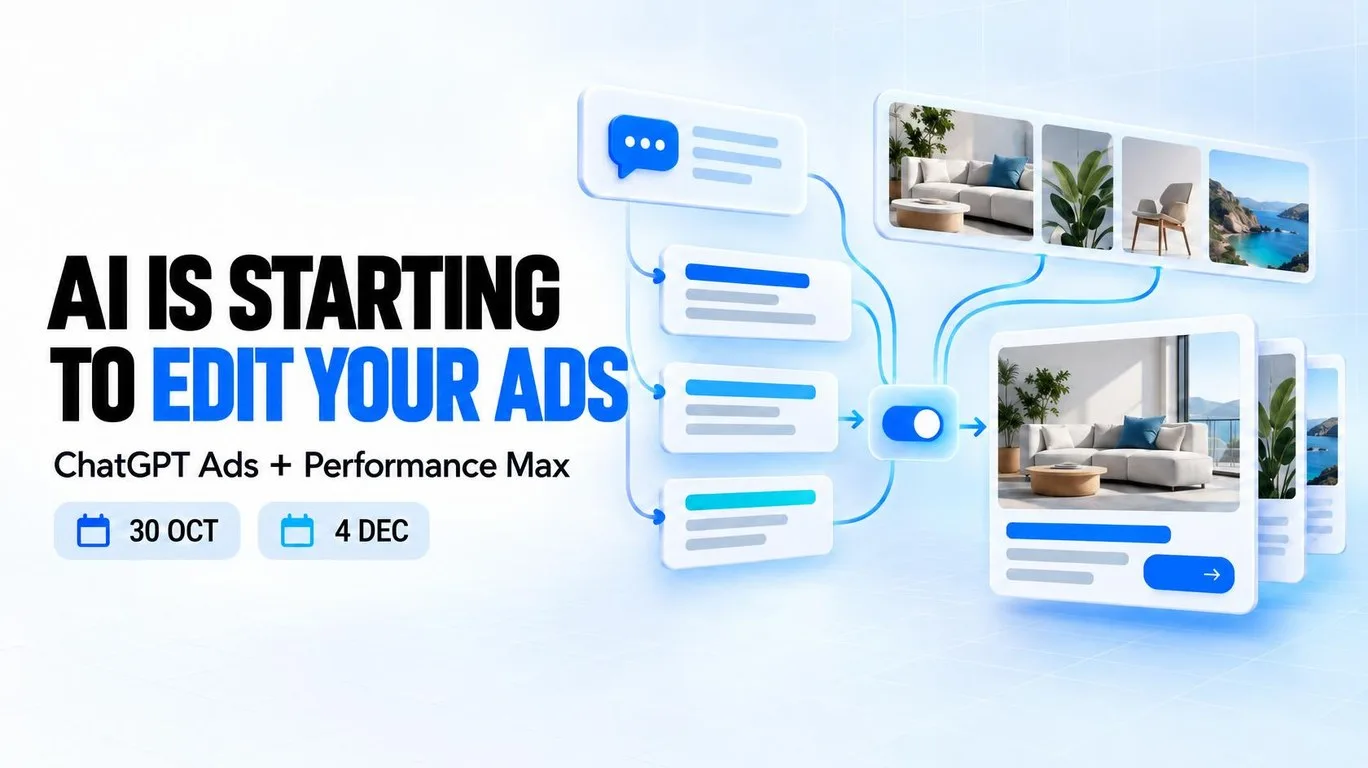
AI can now modify your ads: what to review in ChatGPT Ads and Performance Max
Author: Mariliis UibomäePublished: Facts checked: Reading time: 9 minutesLast updated:
In brief
ChatGPT Ads can adapt copy, language, image dimensions and destinations. Performance Max can extract website images. A practical guide to settings, image rights and risk based controls.
Advertising automation is no longer limited to bidding and audience selection. AI can now rewrite headlines and descriptions, translate copy, resize images, and select a different destination page.
Two upcoming changes make this particularly important:
- ChatGPT Ads will automatically enable creative enhancements on 30 October 2026.
- Newly created Performance Max campaigns will enable landing page image extraction by default from 4 December 2026.
Both features may reduce production work and increase creative coverage. They also make the quality of your source material, image rights, compliance rules, and landing page governance more important.
What changes and when?
30 October 2026: ChatGPT Ads. Creative enhancements become automatic for new and existing campaigns. Previous opt outs remain in place, and campaign settings take priority over the account default. 1
4 December 2026: Performance Max. Landing page image extraction becomes the default for newly created campaigns. Existing campaigns do not change. The account Dynamic Images setting alone may no longer prevent extraction on a new campaign. 3
What changes in ChatGPT Ads on 30 October?
According to the official OpenAI Help Center, creative enhancements will be enabled automatically for new and existing campaigns starting on 30 October 2026.
Advertisers can opt out before the date or change the setting later. Existing account level and campaign level opt outs will be preserved. Campaign-specific settings take priority over the account default.
Creative enhancements may use:
- the existing advertisement;
- content from the landing page;
- the context of the current conversation;
- relevant user interest signals where the applicable settings allow them.
OpenAI may use these inputs to:
- create or update headlines;
- create or update descriptions;
- translate advertising copy;
- resize images to fit an advertising format;
- optimise the destination URL and direct the user to a more relevant page.
Variations may be prepared in advance or generated in real time. When the feature is enabled, enhanced ads can run without the advertiser previewing or approving every individual version.
The advertiser is therefore governing the source material and settings rather than necessarily approving every final variation.
OpenAI also states that ads do not influence ChatGPT’s answers. Ads are displayed separately and clearly labelled. Creative enhancements affect the advertisement, not the organic answer.
Where can ChatGPT Ads automation create value?
The feature may be useful when:
- the offer is straightforward;
- the landing page is current;
- prices and conditions are unambiguous;
- message variation does not create legal or brand risk;
- alternative destination pages are commercially acceptable;
- translations do not require strict manual approval.
Potential benefits include:
- creating more message variations with less manual work;
- connecting the same offer to different use cases;
- supporting localisation;
- reducing manual image resizing work;
- aligning the message more closely with conversational context;
- selecting a more relevant destination page.
This should not be treated as a guarantee of better performance.
OpenAI recommends monitoring impressions, clicks, spend, CTR, and attributed conversions. However, a change in results over time does not by itself establish the effect of creative enhancements. A controlled comparison, or at least a disciplined before and after analysis, is still required.
Where does ChatGPT Ads automation require tighter control?
The risk is higher when a small change to wording, translation, or routing can materially alter the offer.
This includes:
- financial and credit products;
- healthcare;
- legal services;
- regulated products;
- fixed prices;
- short term promotions;
- strict translation requirements;
- websites where different pages contain different terms;
- offers requiring mandatory disclosures.
Potential risk scenarios include:
- an expired price or promotion remaining in the source material;
- an automated translation weakening a qualification or strengthening a claim;
- destination optimisation sending a user to a page with different conditions;
- conflicting landing page copy providing unclear source information;
- an important disclosure becoming less visible;
- a minor wording change creating a compliance issue.
These are professional risk scenarios, not evidence that the platform will necessarily produce these outcomes.
The appropriate response is not to disable all automation automatically. Campaigns should be classified by risk, with stronger controls applied where accuracy matters most.
Example: a financial offer and a SaaS trial
For a financial advertiser, a small change to a claim can alter the meaning of an offer. If a website contains both a general interest illustration and a separate conditional promotion, I would first check that prices, limitations and required disclosures are consistent across possible destination pages.
For a SaaS business, the issue may be simpler: the ad promotes a trial, while another page describes an annual plan without the trial terms. I would check that every eligible destination supports the advertised offer and that the sales team can assess the resulting enquiries. These are review examples, not reported platform failures.
How to manage ChatGPT Ads creative enhancements
Open Ads Manager and select Manage settings.
Review both the account default and the setting for each higher risk campaign because campaign-specific settings take priority over the account default.
A practical review process:
- Open Ads Manager and select Manage settings.
- Review the account level default.
- Review every higher risk campaign individually.
- Document the final choice with a screenshot and date.
- Check source ads and landing pages for current prices, promotions, availability, and required disclosures.
- Review the alternative destination pages that could be selected.
- Use analytics to monitor the pages users reach.
- Evaluate real sales and conversion quality, not only platform-reported conversions.
What changes in Performance Max on 4 December?
Google’s official Ads Developer Blog says that image extraction will be enabled by default for newly created Performance Max campaigns from 4 December 2026.
The change applies across:
- the Google Ads user interface;
- Google Ads Editor;
- the Google Ads API.
Image extraction scans the supplied landing pages for high resolution images. Google can use these images to enrich creative assets across Search, YouTube, Display, Discover, Gmail, and Maps.
Existing Performance Max campaigns will retain their current configuration. The new default applies to newly created campaigns after the rollout date.
The important exception to the account level Dynamic Images setting
The critical technical detail is that the new campaign level default can apply even when Dynamic Images are disabled at account level.
Previously, a campaign without an explicit image extraction setting inherited the account level value. After the change, advertisers who do not want landing page image extraction must explicitly opt out at campaign level for newly created campaigns.
Checking only the account level Dynamic Images setting may therefore no longer be sufficient.
Image extraction is not the same as all Performance Max automation
Landing page image extraction is separate from other Performance Max automation controls. Google also documents extraction and uploaded image enhancements as distinct features. 4
Image extraction
Pulls suitable images from the landing page and uses them as advertising assets.
Image enhancements
May modify uploaded images through cropping, uncropping, animation, blur, or filters.
Text customisation
Creates or adapts headlines and descriptions.
Final URL expansion
May select a more relevant landing page based on the search query and create text assets aligned with that page.
Disabling one control does not necessarily disable the others. Each setting should be reviewed separately during an account audit.
When can landing page image extraction help?
The feature may provide value when the website contains:
- high quality product images;
- current visual material;
- consistent branding;
- advertising ready formats;
- clear commercial usage rights;
- imagery closely aligned with the campaign message.
It may improve asset coverage, reduce manual production work, and help a campaign serve across more placements and formats.
Google says the system selects images relevant to the query or serving context and applies automated and manual quality checks.
A campaign may receive no extracted images if Google cannot find suitable material. The feature does not replace a deliberate creative strategy and does not guarantee better performance.
Key Performance Max risks to review
Before enabling the feature, review the following risks:
- an image licence may allow website use but not paid advertising;
- the website may contain partner logos or third party material;
- old seasonal and promotional images may still be accessible;
- an product or service image may include outdated packaging, pricing, or promotional text;
- a technically suitable image may be weakly connected to the product or message;
- automated cropping may conflict with brand guidelines;
- editorial or sensitive imagery may be unsuitable for advertising.
Google’s documentation explicitly states that opting in confirms the advertiser owns the necessary legal rights to the landing page images or has permission to share them with Google for advertising or other commercial use.
How to opt out of Performance Max landing page images
When creating a campaign:
- Open Campaign settings.
- Expand Images.
- Clear Landing page images.
For an existing campaign:
- Open Campaigns.
- Select the settings icon beside the campaign.
- Open Settings.
- Open Asset optimisation.
- Open Images.
- Clear Landing page images.
The setting can be changed later.
For API workflows, set:
GENERATE_IMAGE_EXTRACTION = OPTED_OUT
Google warns that `asset_automation_settings` is a repeated field. Updating the setting can replace the complete existing array rather than merging a single new value. Integrations must therefore preserve any other desired automation settings.
What should advertisers do now?
- Map every account and campaign where an automated change to copy, imagery, translation, or destination could create compliance, pricing, or brand risk.
- Review ChatGPT Ads creative-enhancement settings at account and campaign level before 30 October.
- Audit advertisements, landing pages, prices, promotions, availability, translations, and disclosures.
- From 4 December, review Landing page images in every new Performance Max campaign.
- Audit image rights across important landing pages.
- Remove outdated or advertising inappropriate website material.
- Test automation first in lower-risk campaigns.
- Evaluate real revenue, margins, and conversion quality in addition to platform-reported results.
- Add these settings to campaign launch and recurring account-audit checklists.
How to evaluate the test
Record the settings, test period and business objective before making changes. If the budget, offer and landing page change at the same time, the effect of creative automation becomes difficult to isolate. Where practical, compare similar campaigns and assess whether the enquiries reaching sales are relevant to the service.
A higher CTR is not proof of greater profitability. For B2B and SaaS campaigns, review qualified enquiries and sales opportunities. For financial services, also check whether applicants meet the actual offer conditions. Keep conclusions provisional when the data volume is small.
Conclusion
Automation is not the problem.
Unreviewed source material, permissions, and settings are.
The advertiser’s role is increasingly to design a controlled environment in which automation can make useful changes without crossing legal, commercial, or brand boundaries.
Need a review of your advertising automation?
Explore ChatGPT Ads, Google Ads and GA4 setup services if you want to review automated settings, source material and measurement. I can help identify the controls that matter for your marketing profitability.
Frequently asked questions
When will ChatGPT Ads enable creative enhancements automatically?
OpenAI says 30 October 2026 for new and existing campaigns. Previous account and campaign opt outs are preserved.
Can I approve every enhanced ChatGPT ad before it runs?
The experience does not offer a preview of every variation. Enhanced ads can run automatically without individual approval when the feature is enabled.
Do ChatGPT ads change organic answers?
No. OpenAI says ads do not influence ChatGPT answers. They are shown separately and clearly labelled. 2
Will Google change existing PMax campaigns on 4 December?
No. The new default concerns newly created campaigns. Existing campaigns retain their settings. Check Landing page images separately whenever creating a new campaign.
Does disabling landing page images stop all PMax automation?
No. Image enhancements, Text customisation and Final URL expansion are separate controls. Turning one off does not automatically disable the others.
Sources
[1] OpenAI Help Center: Creative enhancements for ChatGPT Ads
[2] OpenAI Help Center: Ads in ChatGPT
[4] Google Ads Help: About Performance Max image enhancements and landing page images
[5] Google Ads Help: Opt in or out of Performance Max landing page images
Keep reading
Related marketing articles to help you plan your next step.
Google Ads automated promotions: what to check and how to opt out
A practical guide to eligibility, paused promotion assets, date limitations, investigating unfamiliar offers and finding the automated promotions control.
Read article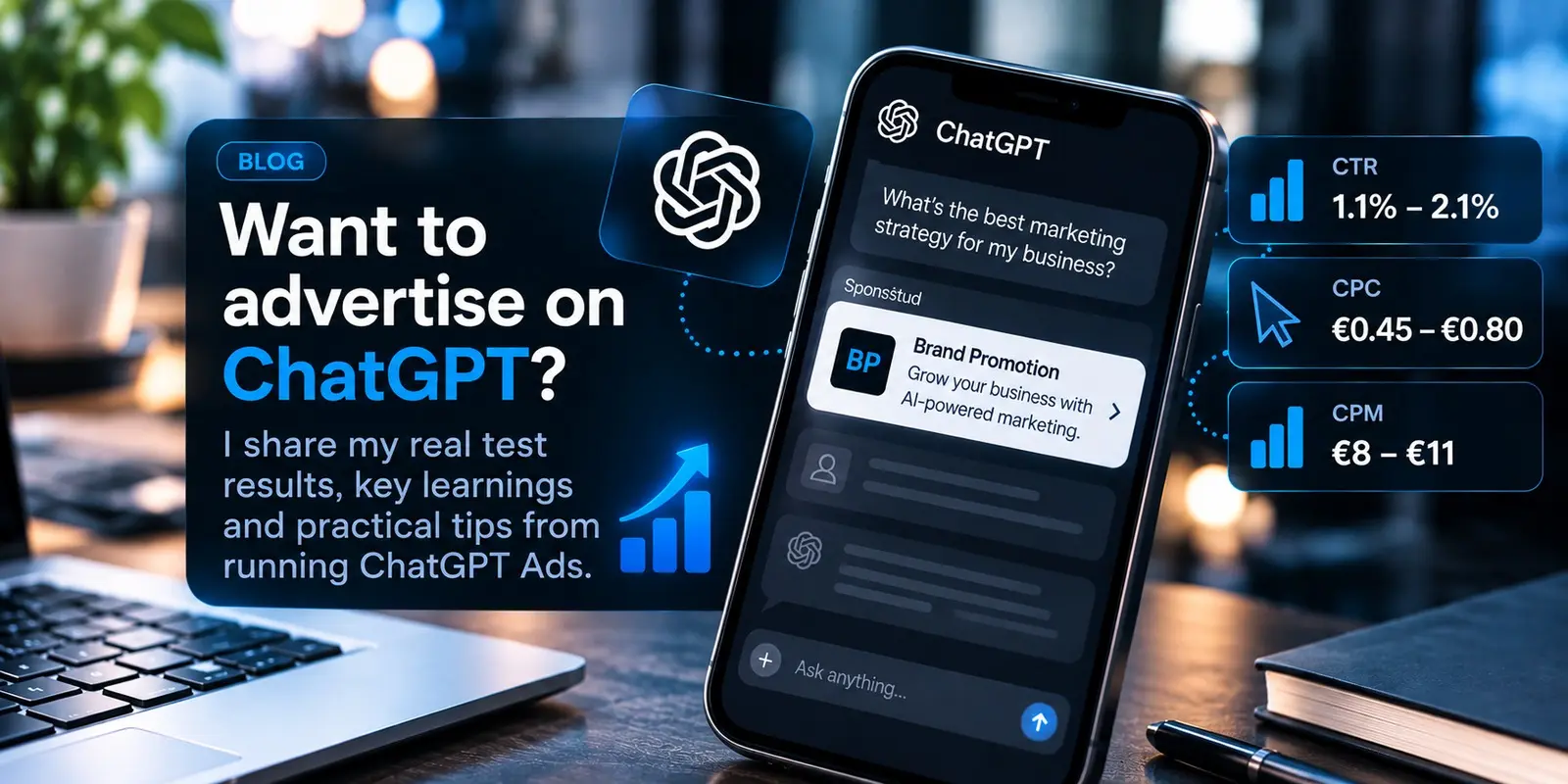
I Tested ChatGPT Ads: Here's What Actually Worked
I tested ChatGPT Ads with real B2B and SaaS campaigns. See actual CPC, CTR and CPM results, what improved performance and what I learned.
Read article
Google Ads best practices: how to spend your ad budget more wisely
How Google Ads actually delivers results in 2026: account structure, conversion measurement, Performance Max, and the most common mistakes.
Read article